The advanced reporting engine can be used to receive email alerts when SSL certificates are due to expire.
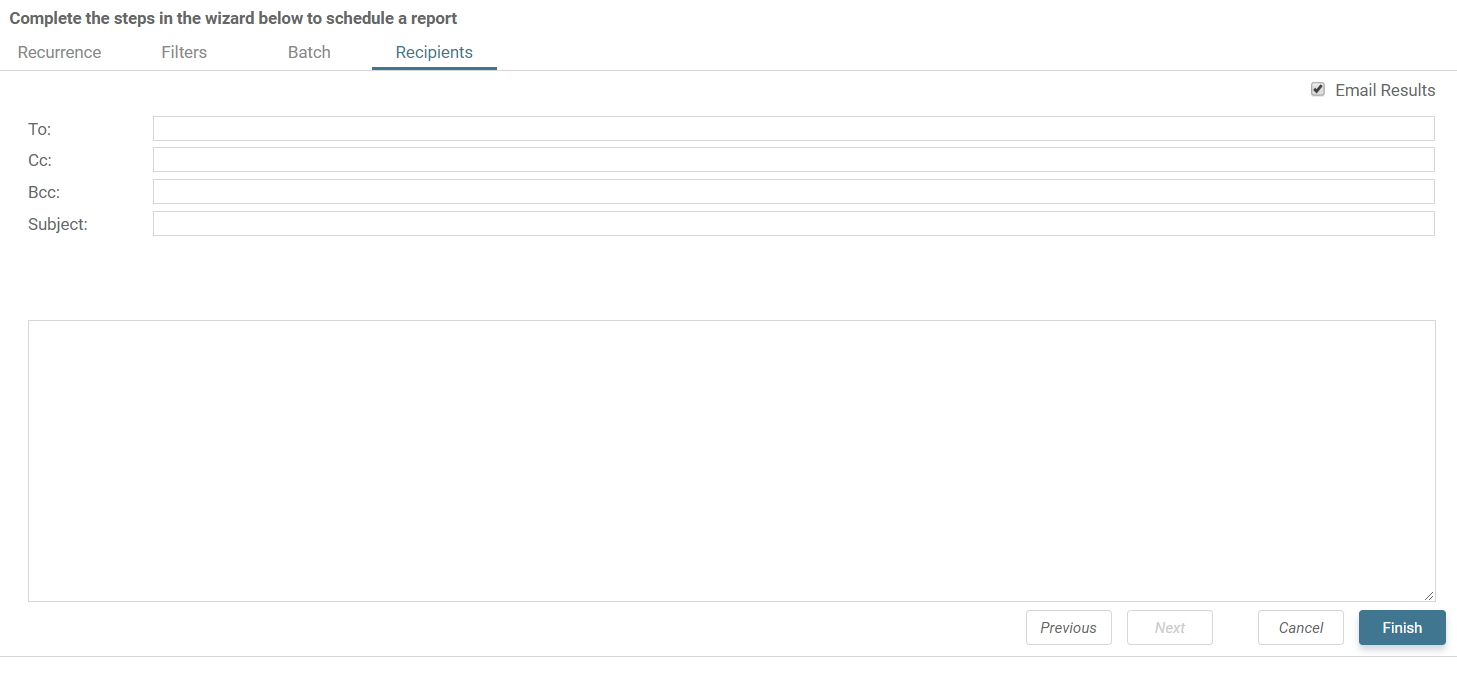
Navigate to Reports > Advanced Reporting and create a new advanced report:
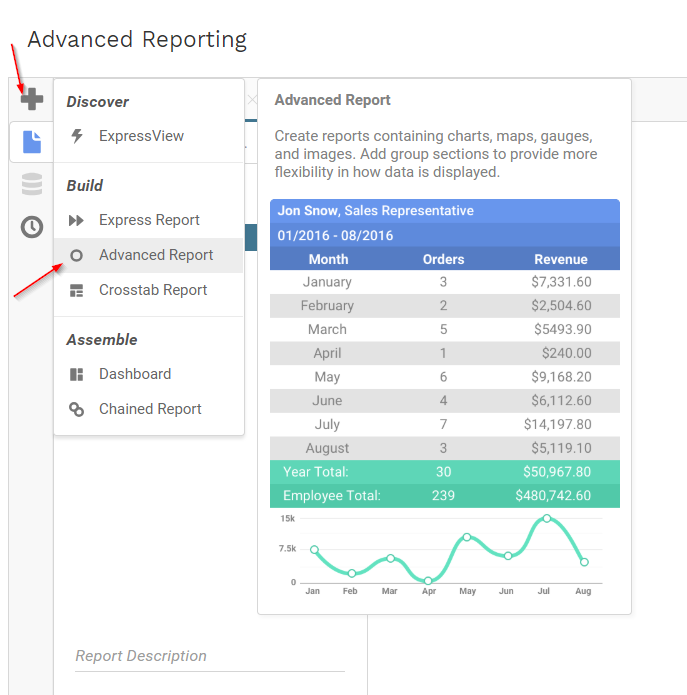
Name the report and save it into the User Defined or a custom folder:
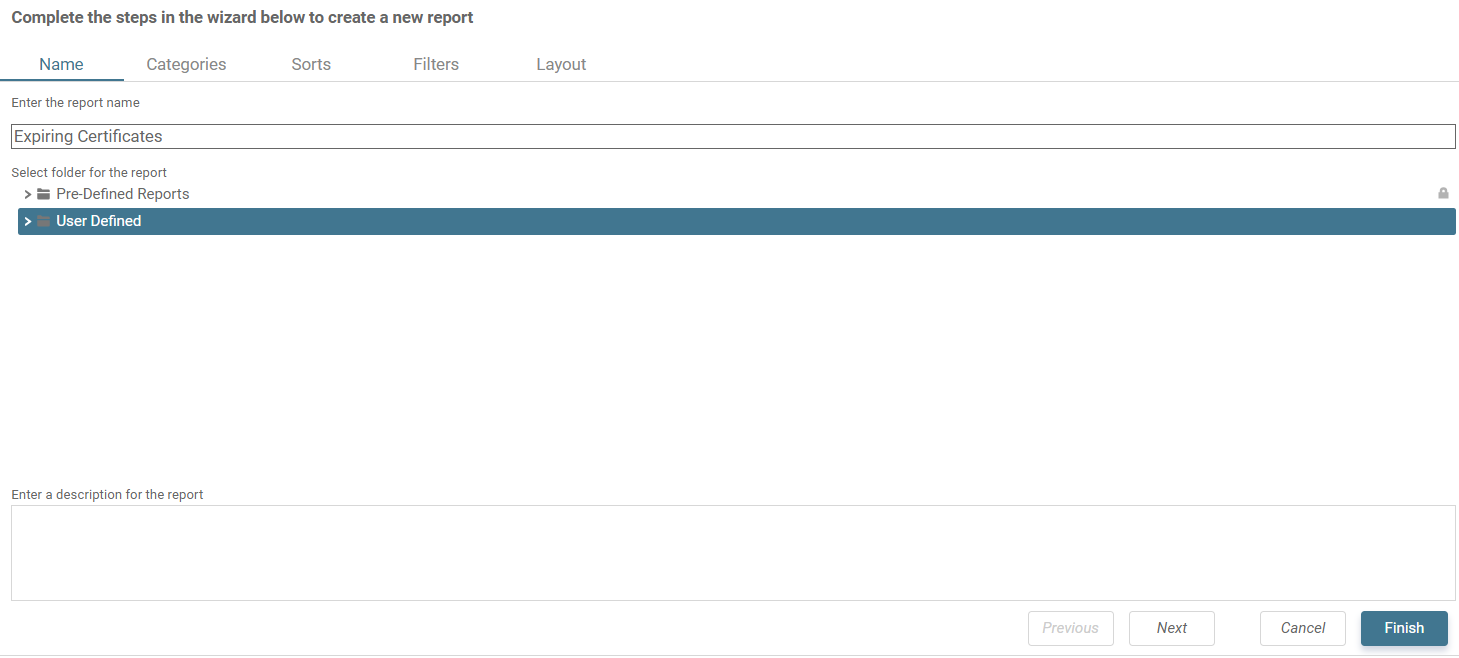
Add the “Device” and “Device Certificate” categories and click “Finish”:
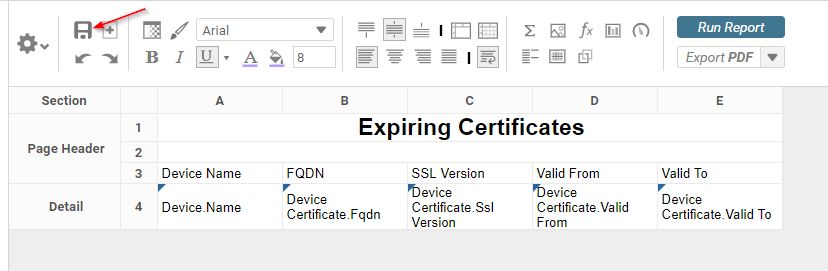
Drag the columns from the categories to the report. In this example we have used the device name and the certificate SSL version, FQDN, and valid dates:
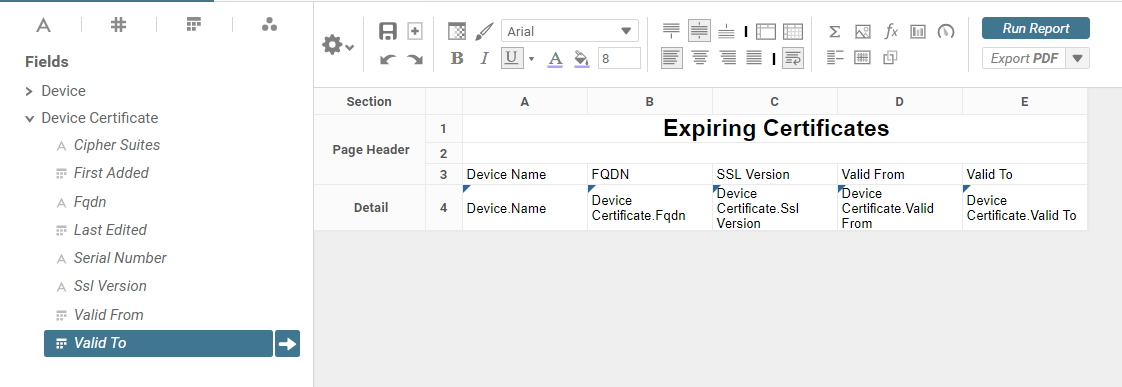
Run the report to make sure that the data looks accurate before applying filters: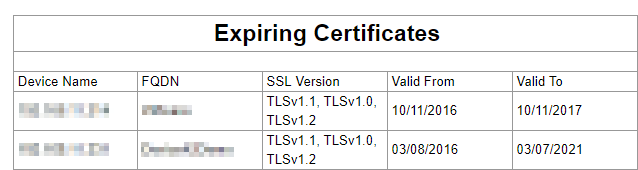
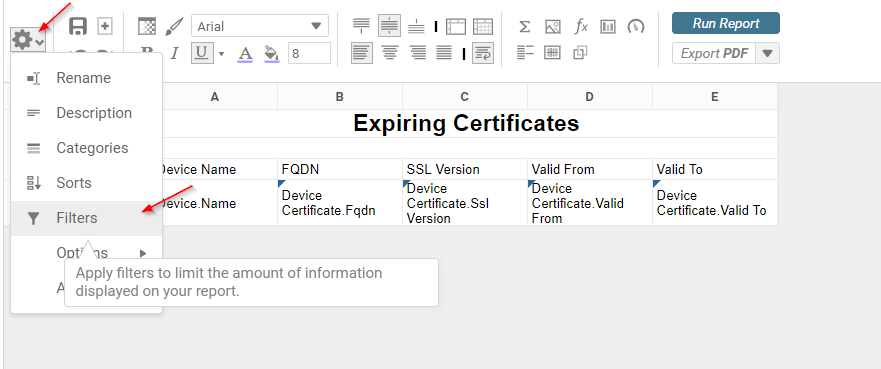
Click on the filters link to apply expiration filters:
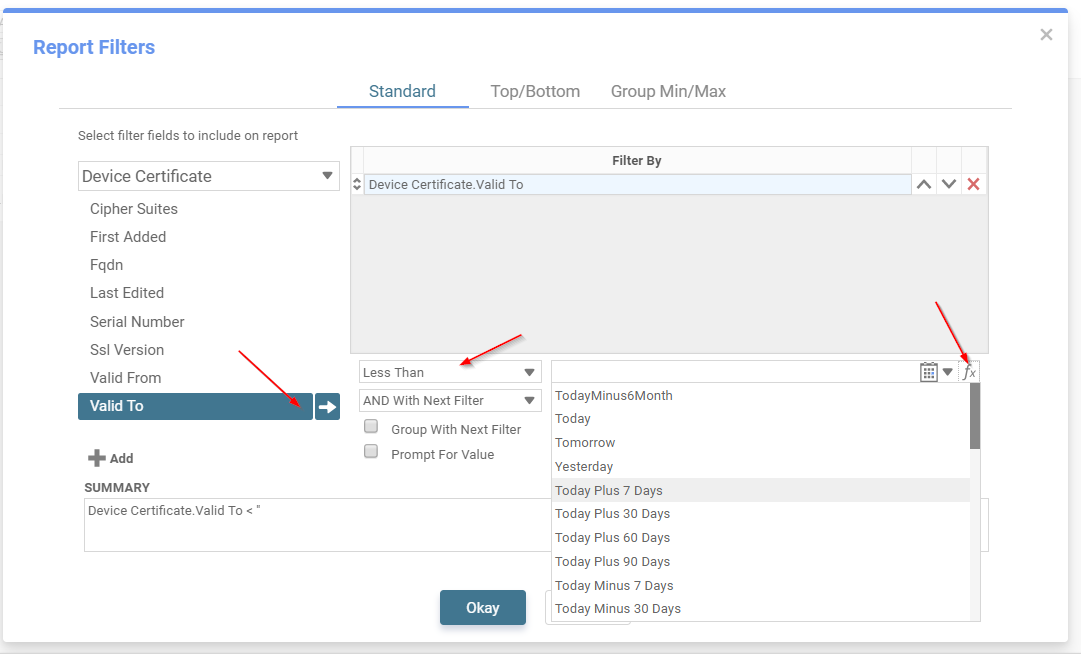
Filter by the “Valid To” date and click on the function button to select certificates with a valid to date less than “Today Plus 30 Days” to view certificates that will expire within a month:
Save the report with the finalized changes and run once more to verify the results:
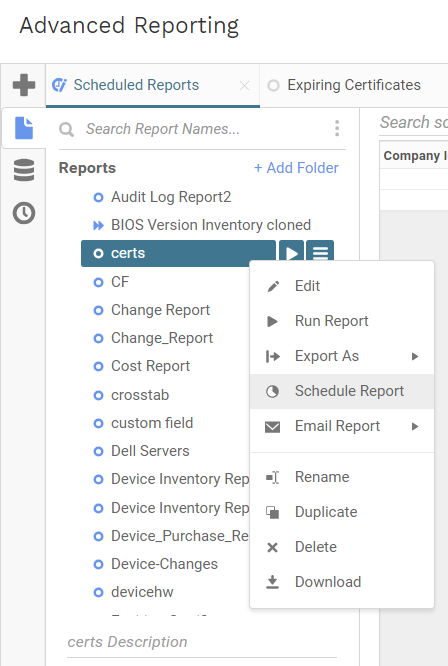
Right click on the saved report to set up a schedule:
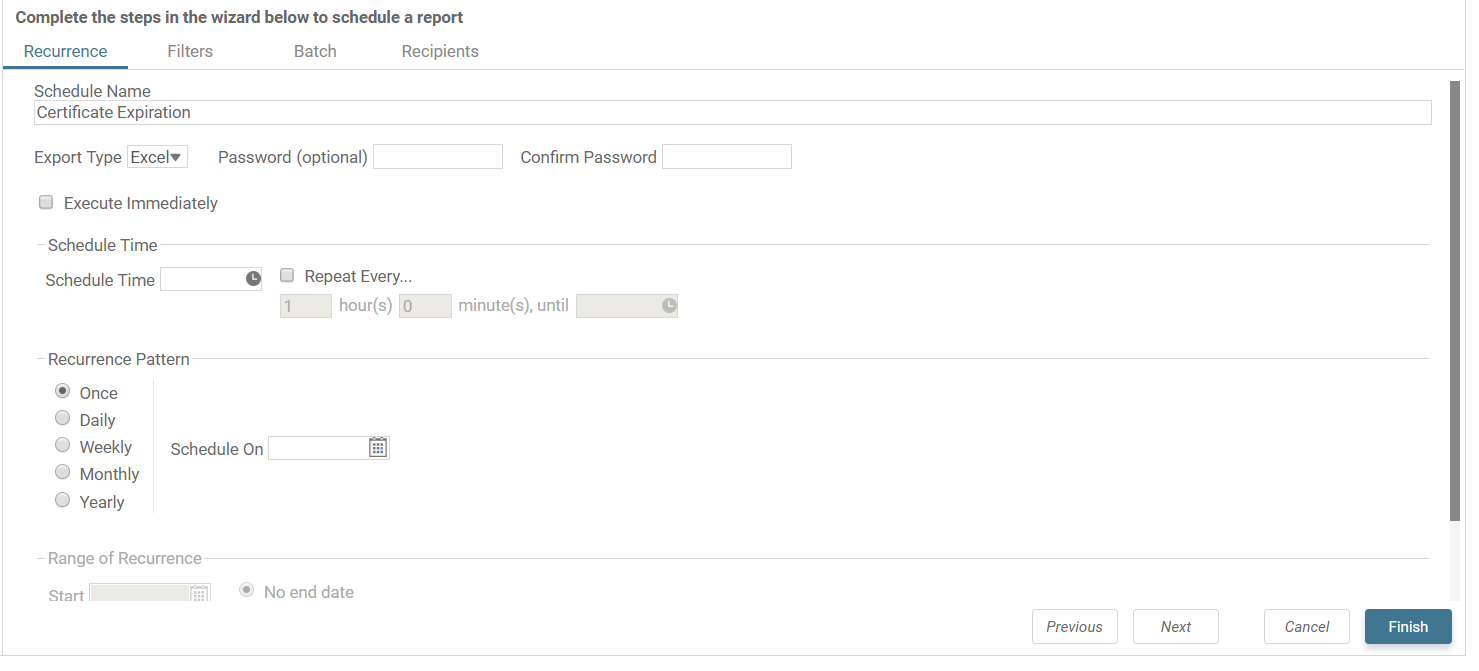
Configure the schedule by giving it a name, an export format, and a scheduled recurring time:
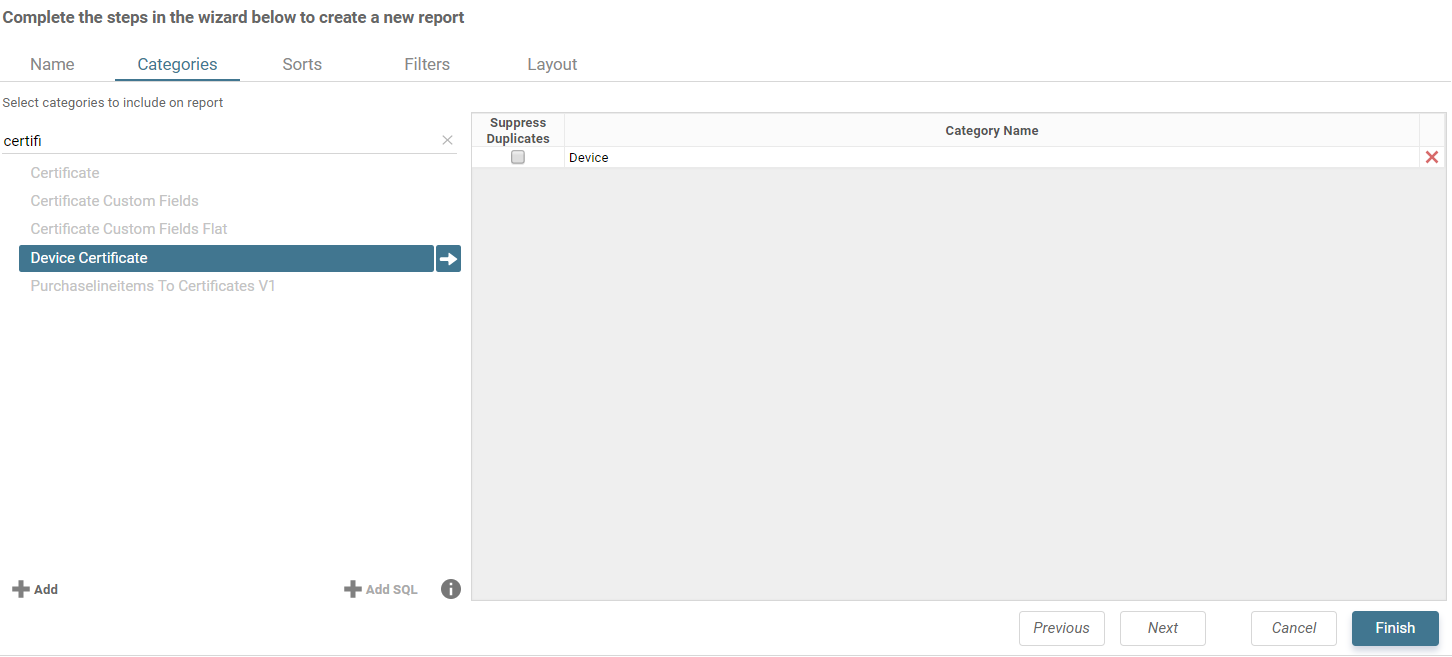
Click on Recipients to add email addresses: