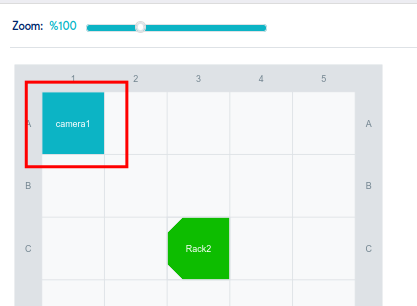
Sometimes we may need a new element to be added on the Room layout which is not exist by default.
In order to create a new element, let say "Camera", we need to do the followings:
- navigate to:
https://D42-IP/admin/rackraj/assettype/
replacing D42-IP with your instance IP or FQDN, and then click "Add Asset Type", define the name and enable the option "Server Room" as indicated on the picture below
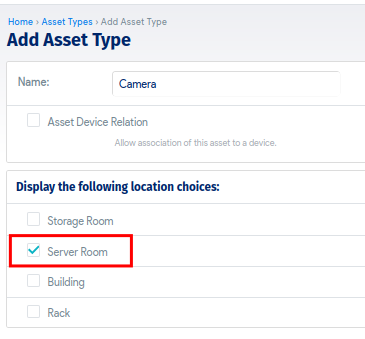
and save.
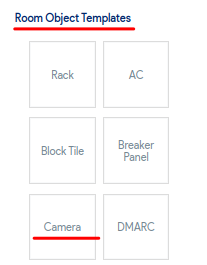
- Then you will see this asset type as a new room object template:
- And finally you can add it on the room layout: