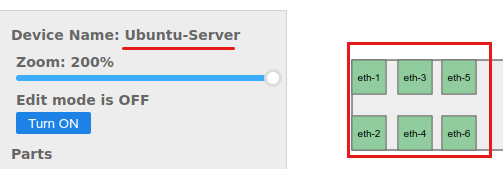
When a hardware model is created (or discovered) with some ports defined on it, these ports must be mapped on the hardware model layout in order to see the ports on the device layout page also.
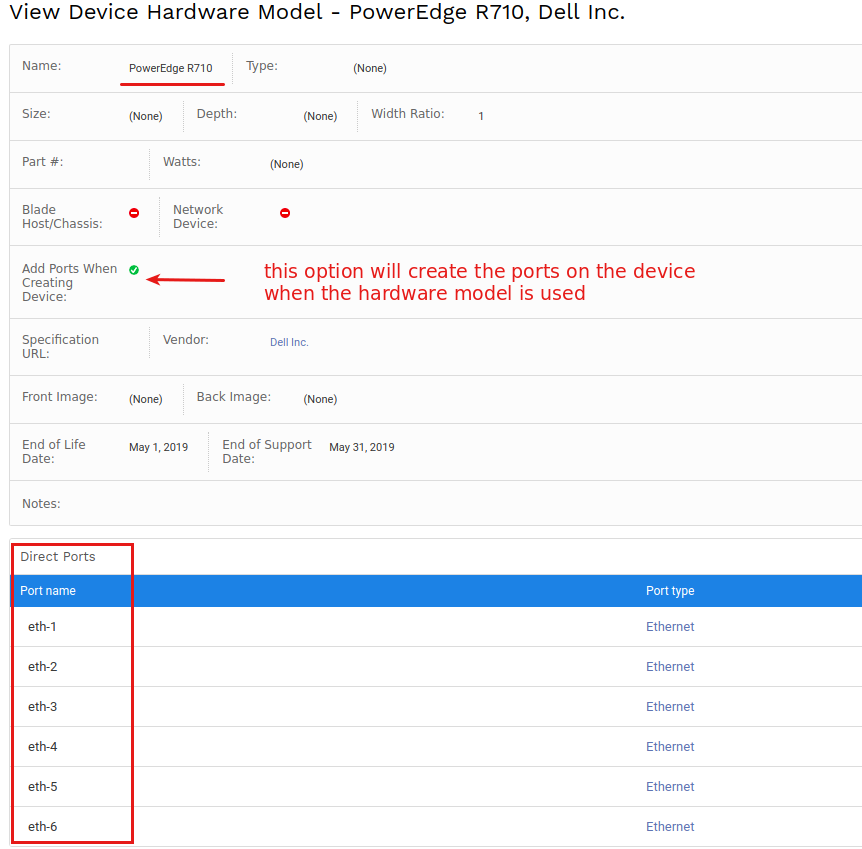
Here is an example of this, let say we have a hardware model with a couple of direct ports:
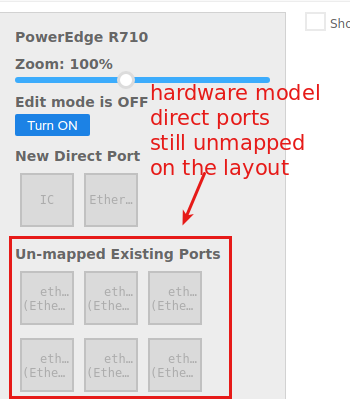
When we click on the hardware model layout, we see that these ports are not mapped on the model layout:
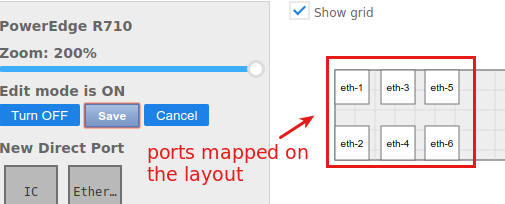
We click on "Turn ON" button and map all these ports into their corresponding positions:
Then when we create a device and use this hardware model for it, we see all these ports shown under the device layout page:
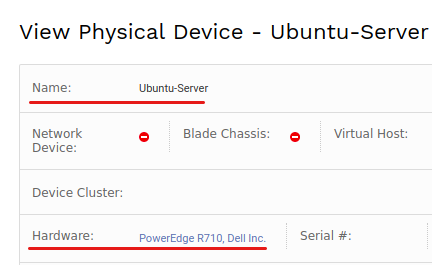
The device page
The device layout page