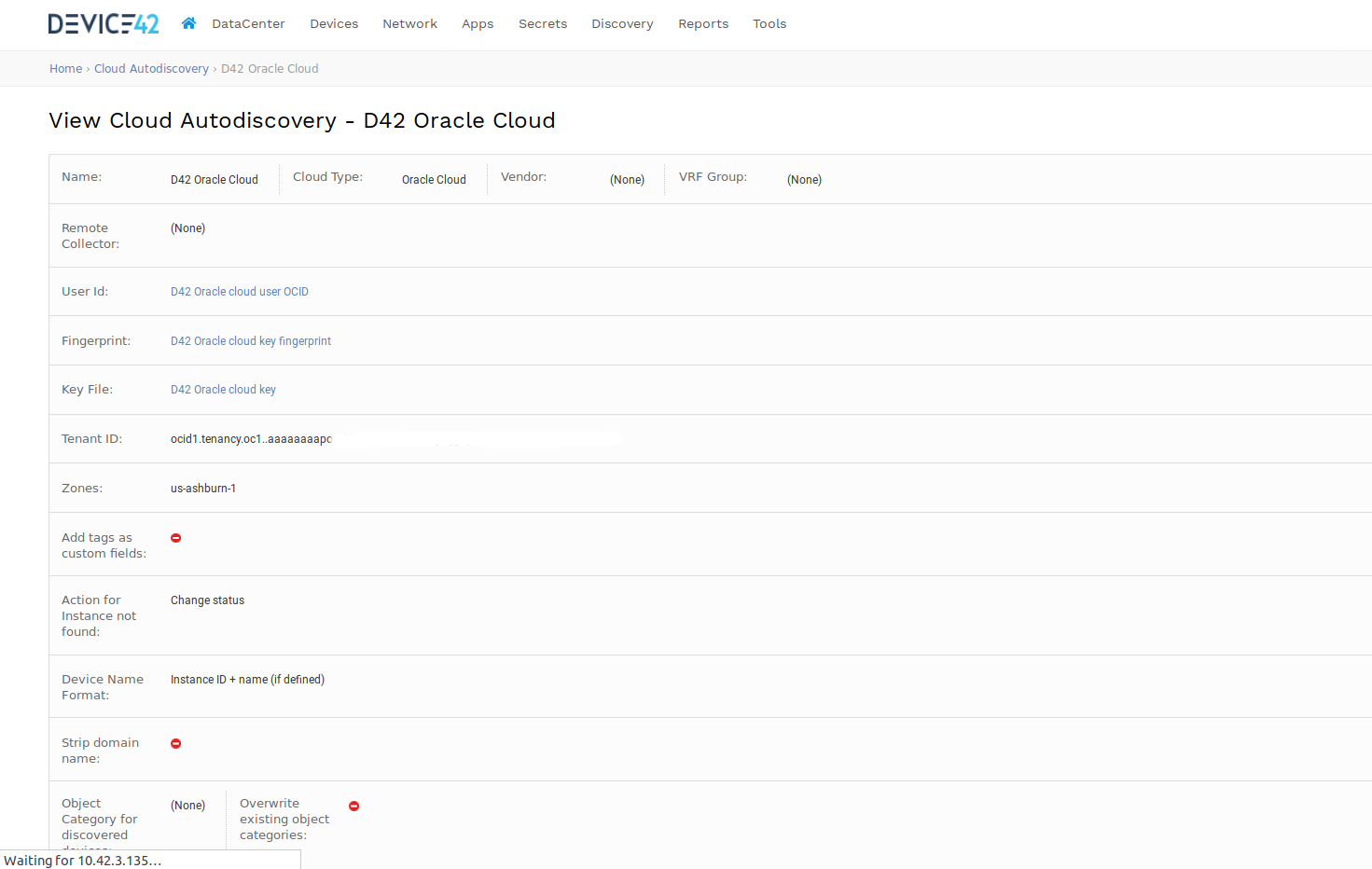
The Oracle cloud discovery requires a user with enabled API access.
Required keys and OCIDs to set it up described here, https://docs.cloud.oracle.com/iaas/Content/API/Concepts/apisigningkey.htm.
The user's API private key and public key fingerprint should be added as secrets to device42 and assigned in
the oracle cloud discovery job properties.
It is also required to supply the tenancy and user OCIDs, https://docs.cloud.oracle.com/iaas/Content/API/Concepts/apisigningkey.htm#Other
User's OCID should be added as a secret and the tenancy OCID in place to the 'Tenant ID' field.
Secrets user names can be just descriptive. The discovery picks up OCID, fingerprint and key from password value and attached key file correspondingly.