
Sometimes we may need to combine several fields into a single cell on the Advanced Report, for instance the device operating system information like name and version.
This can be accomplished by using the built-in formula option which is called "Concantenate".
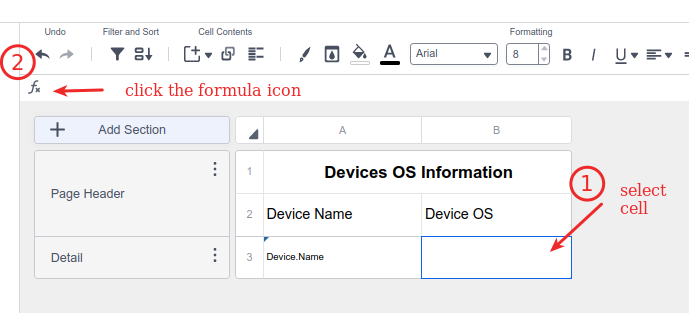
First we need to select the cell that you would like to contain the data and then click on the fx button to create a formula:
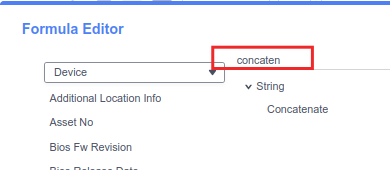
search for "concantenate" and select it
here we can combine several fields with optional values as well in between for example
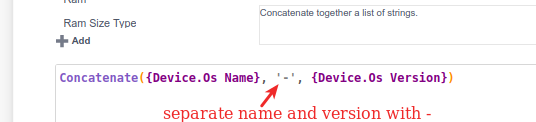
then click Ok and you will have the formula content appears on the select cell above
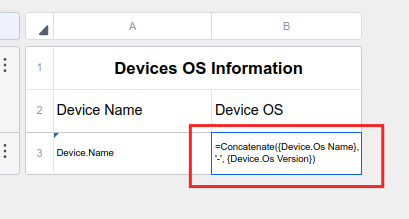
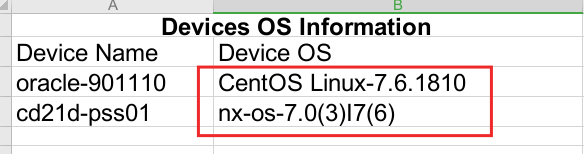
and here is the report result
this method can be used for any other fields as well as needed.


