
The certificate for the appliance manager is updated in the same manner as the Web UI certficate.
Navigate to the appliance manager https://
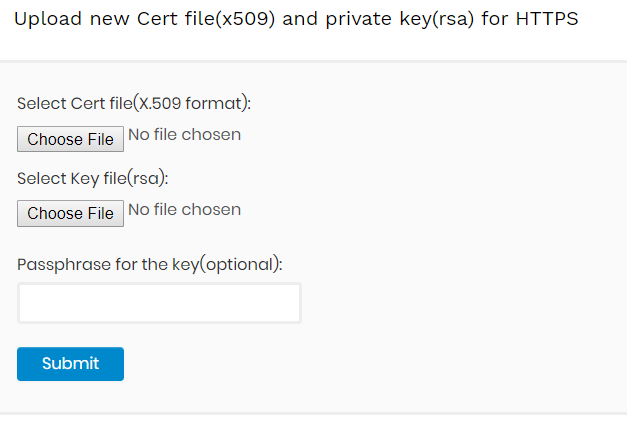
Upload the cert and key files and click on submit. The Web UI certificate will update automatically while the appliance manager certificate will need a VM restart to be applied.
